How a Driver App Transforms Waste Hauling Operations
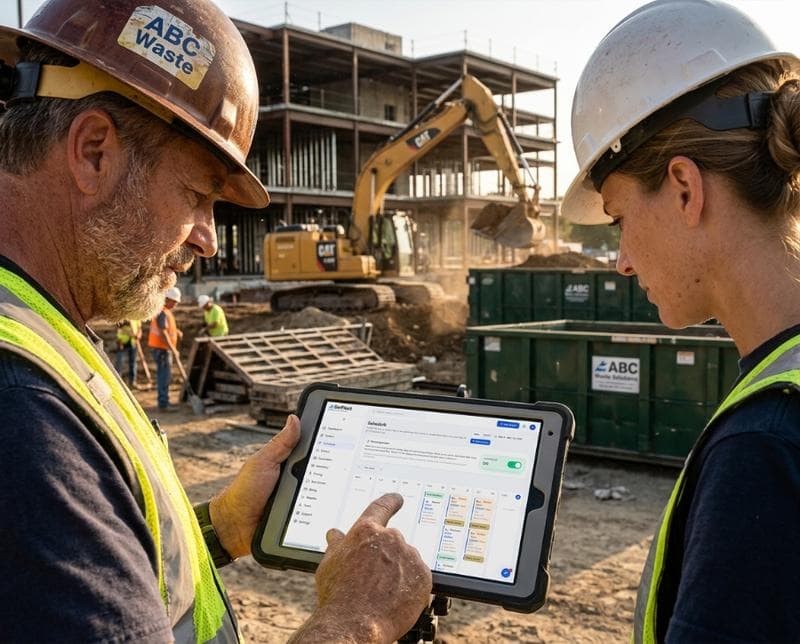
Why Your Drivers Need Mobile App Access
Your drivers spend eight to ten hours per day in vehicles, yet most still rely on paper manifests and phone calls to stay coordinated with dispatch. This gap between field reality and office visibility creates missed stops, duplicated work, and frustrated customers. A dedicated driver app closes this gap by putting your entire route, customer details, and compliance tools in the driver's pocket, allowing real-time decision-making without radio delays or miscommunication.
When drivers have instant access to customer notes, service history, and container status before arriving at each stop, they reduce decision time at the bin and catch service issues before they become complaints. This is especially critical in waste hauling, where a missed pickup or wrong container swap can damage relationships with commercial accounts and trigger service credits you didn't budget for.
Real-Time Stop Management and Route Optimization
A driver app shows each stop on a map with sequence, arrival time, and what service is due at that location. Drivers can confirm arrival, mark the stop complete, and move to the next location all within the app—eliminating the manual call-back or text message that slows operations. If a customer isn't home or a container is blocked, the driver can flag it instantly, and dispatch sees the status change in real time, allowing quick rerouting rather than discovering the problem hours later back at the yard.
Route optimization built into the driver app can suggest more efficient sequences on the fly if a stop is skipped or delayed, saving fuel and reducing overtime. Drivers see estimated arrival times for upcoming stops and can communicate delays to dispatch before they snowball into missed appointments, which directly protects your SLA performance and reduces after-hours customer service calls.
Photo Capture and Compliance Documentation
One of the most underrated features of a driver app is the ability to photograph each stop before, during, or after service. Photos serve as proof of service for dispute resolution, especially when a customer claims a pickup never happened or a bin was damaged. Rather than relying on driver memory or a hand-written note, your team has timestamped, geotagged images that are automatically uploaded and stored in your system as the day unfolds.
Compliance documentation—such as overflow flags, hazardous material notices, or property damage—can also be captured at the point of service. This creates an audit trail for regulatory audits and reduces he-said-she-said conflicts with customers over service quality. Drivers spend less time writing incident reports back at the office because they've already documented the situation with photos and notes while on-site.
Status Updates That Keep Dispatch and Customers Aligned
When a driver marks a stop complete in the app, dispatch instantly knows the route is on schedule—or knows immediately if there's a delay. This visibility allows dispatch to proactively communicate with customers expecting service, send automated SMS updates about ETA changes, and manage customer expectations without customers having to call your office for a status check. SMS notifications triggered by app status changes also reduce inbound phone traffic, freeing your office staff to handle exceptions rather than handle routine inquiry calls.
Drivers can also push custom status notes for each stop—such as "customer requests next pickup on Friday" or "gate code changed"—which sync directly to your system and are visible to the team the next morning. This prevents repeat confusion and ensures that special instructions follow the account, not just the driver, so no information is lost if coverage changes.
Reducing Administrative Overhead in the Office
Without a driver app, dispatchers spend time calling drivers to confirm stops, asking about delays, and then manually entering that information into spreadsheets or the dispatch system. A driver app eliminates most of these calls by giving the driver the autonomy to update their own status, which syncs automatically to your backend. Office staff can focus on customer service, billing reconciliation, and route planning instead of playing telephone operator all day.
At the end of each day, driver app data flows into your billing and invoicing system, so you don't have to re-key route sheets. Hours, mileage, stops completed, and photo evidence are all timestamped and verified, which reduces billing disputes and makes month-end reconciliation a checklist process rather than a detective investigation. This automation also flags incomplete data during the shift, so drivers can correct it before leaving the yard rather than discovering missing information during your office audit.
Safety and Accountability in Your Fleet
A driver app creates an accountability structure that protects both your business and your team. Timestamped app activity shows when a driver was at a location, how long they spent there, and what actions they took—this visibility deters time theft and provides defense if a driver disputes their hours or a customer claims a service was never performed. Real-time location data also improves safety by giving you the ability to monitor driver whereabouts and respond faster if there's an accident or emergency.
Drivers benefit too: photo documentation protects them from false damage claims, and having all instructions in one app means they don't have to remember verbal directions or piece together multiple pieces of paper. When accountability is transparent and data-driven, both management and drivers feel more confident in the operation.
Integration With Your Existing Dispatch and Billing System
The best driver apps don't exist in isolation—they sync with your dispatch board, invoicing system, and customer portal so every team member sees the same truth. When a driver completes a stop in the app, that completion signal reaches dispatch, triggers a customer SMS if configured, and updates the billing detail so your finance team has accurate transaction records without manual entry. See how BinFleet integrates driver app data end-to-end to eliminate data silos and manual reconciliation.
Integration also means your existing workflows don't break when you adopt a driver app—it sits on top of your current system, making it smarter without requiring a complete rebuild. Drivers learn one simple app, and that app handles communication with multiple backend systems, so your team isn't toggling between five different tools.
FAQ
How much does a driver app cost, and will it pay for itself?
Driver app costs vary by platform and scale, but most per-driver monthly fees ($15–$50/driver) pay for themselves quickly by reducing missed stops, eliminating dispatch call time, and preventing billing errors. Most operators see ROI within 3–6 months from reduction in customer service overhead and billing accuracy alone. The rest—fuel savings from better routing and faster incident resolution—is gravy.
Do drivers resist using a mobile app, or do they adopt it easily?
Drivers typically adopt a good driver app within two weeks because it makes their job easier, not harder. They don't have to remember route sequences, call dispatch for directions, or spend time at the yard filling out paperwork. The best adoption happens when you train them once, set clear expectations, and show them how the app protects them from disputes.
What if a driver's phone dies or they lose signal in a rural area?
Quality driver apps work offline, allowing drivers to update stops and capture photos without live cell service. Once the phone regains signal, all data syncs to your backend automatically. This ensures continuity even in areas with spotty coverage, which is common in waste hauling service areas.
Can a driver app help reduce fuel costs or improve route efficiency?
Yes. By showing drivers the optimal sequence and allowing dispatch to reroute on the fly if a stop is skipped, a driver app can reduce mileage and idle time. Combined with real-time tracking, you can analyze which routes are inefficient and replan them before the next day. Read more about route optimization in our operations blog.
Get Started With Driver App Technology Today
A driver app isn't a luxury—it's the operating system your field team needs to scale. If you're still relying on paper, radios, and phone calls, you're leaving efficiency, safety, and customer satisfaction on the table. Learn how BinFleet's driver app transforms waste hauling operations and start your free trial to see how real-time stop management and photo documentation can change your daily workflow.
Ready to Streamline Your Operation?
See how BinFleet AI helps waste haulers save time, cut costs, and grow.
Request a Free 30-Day TrialRelated Articles
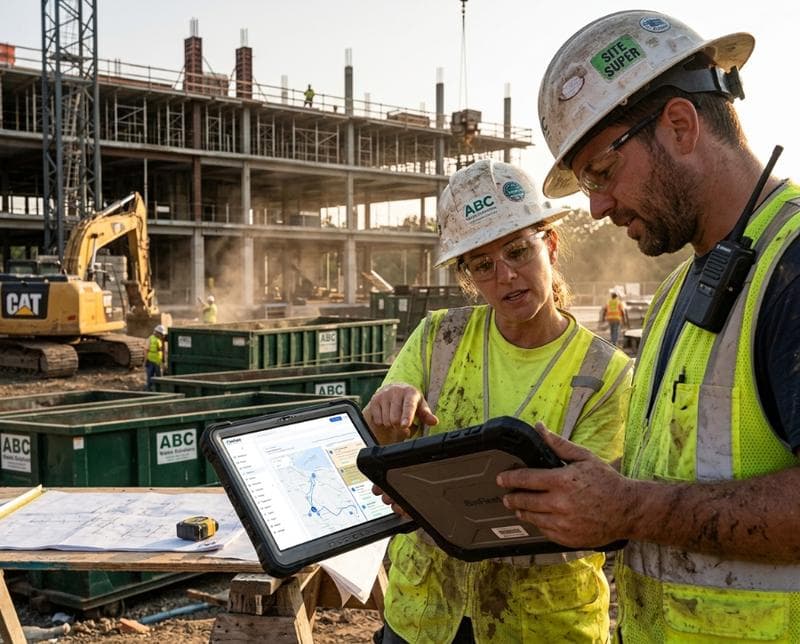
How a Driver App Transforms Waste Hauling Operations
How a Mobile Driver App Transforms Waste Hauling Operations