How Waste Hauler Driver Apps Streamline Operations and Reduce Delays
The Real Problem: Why Paper Clipboards Are Killing Your Efficiency
Paper-based routing and manual stop tracking have plagued waste hauling for decades. Drivers scribble notes, lose pickup confirmations, and dispatch managers sit in the dark about where vehicles actually are. When a customer calls asking if their bin has been emptied, you're guessing. When a driver rolls up to a closed facility, time is wasted. When invoices don't match actual pickups, revenue leaks out the back door. The cost of this chaos isn't just operational—it's customer trust.
Modern waste haulers can't afford to operate this way. Competitors are already using mobile apps to track every stop, capture timestamped photos, and send automated SMS updates to customers. If your drivers are still writing on clipboards, you're losing money on every route and damaging retention with every delayed response. The solution isn't complicated: it's putting the right tools in drivers' hands.
What a Driver App Actually Does (Beyond GPS)
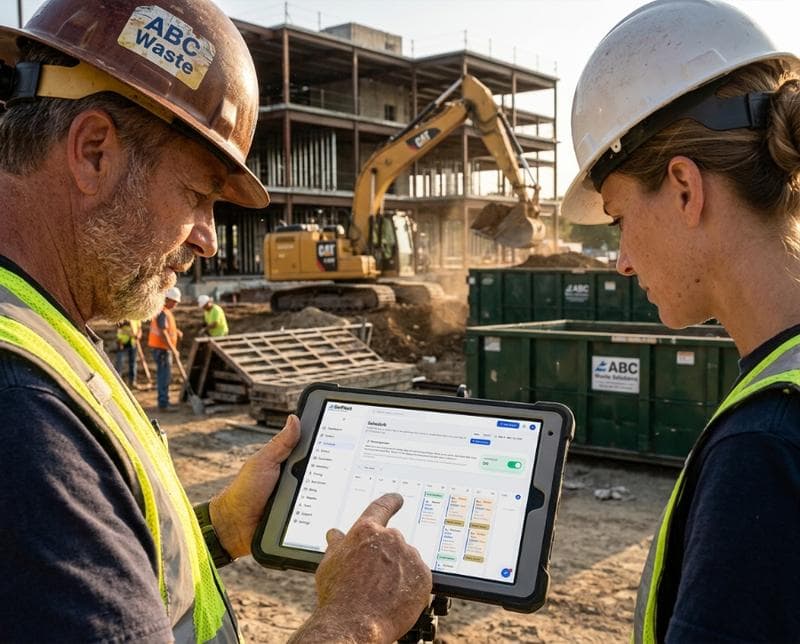
Most operations managers think a driver app is just a map with GPS. It's not. A purpose-built waste hauler driver app orchestrates the entire pickup or dump experience. Drivers see their daily route sequenced by your dispatch team, complete with customer contact info, service notes, and any special instructions. When they arrive at a stop, they can mark it complete, add notes about access issues or extra services, and most critically, snap a photo that proves the work was done. That photo—timestamped and geotagged—becomes your defense against disputes and your proof for invoicing.
The app also closes the loop with customers in real time. As your driver completes each stop, the platform can automatically send SMS updates: "Your bin has been emptied. Next pickup: Thursday." Customers know exactly when to expect service, support calls drop, and your team gets breathing room. For dispatch, the app feeds real-time data back to the office—completion times, service adjustments, notes about equipment issues—so managers see operations unfold live instead of learning about problems at the end of the day.
Stop Management: Getting the Route Right the First Time
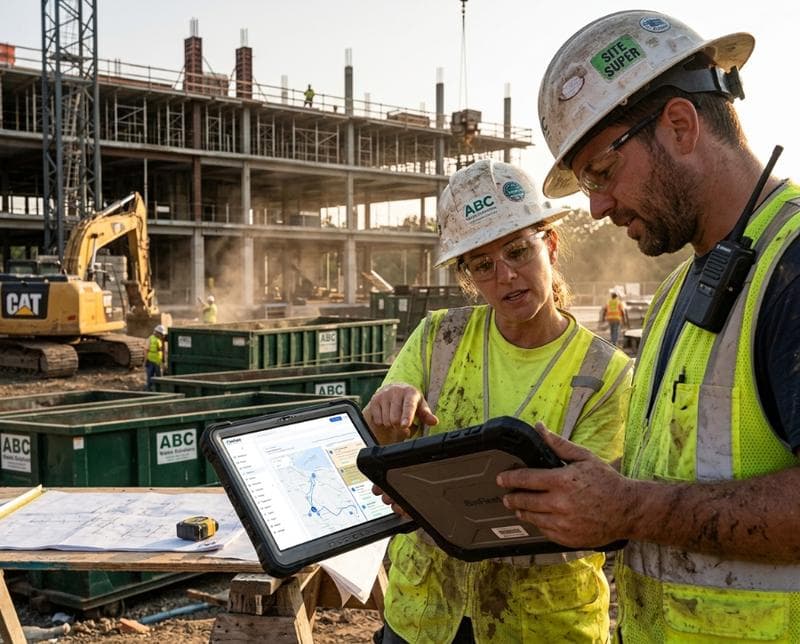
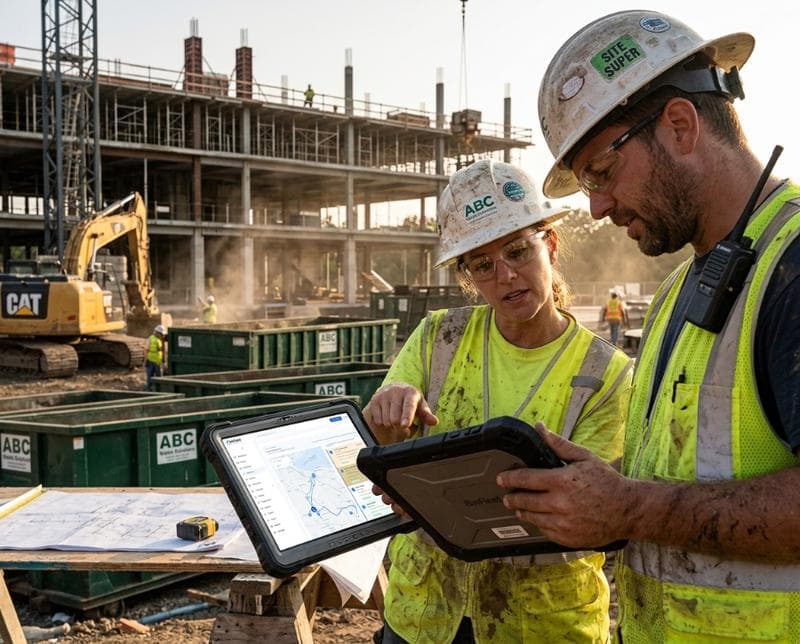
A driver app syncs your dispatch logic directly to the driver's phone. Routes are pre-optimized by your software to save time and fuel, but drivers can also see the reasoning: why stop 12 comes before stop 13, which customers have paid, which are flagged for extra attention. When a stop needs to be rescheduled on the fly—equipment breakdown, access denied, customer request—the driver updates it in the app, and dispatch gets the alert instantly. No more radio chatter or confused voicemails.
Stop details matter too. A solid driver app displays customer contact numbers, bin locations, special access codes, and service history. If a driver has never emptied a particular customer's bin, they can see the last two pickups and know what to expect. If a customer left a note like "bin is behind the gate," that information lives in the app. These small details prevent wrong-address stops, missed pickups, and callbacks—the friction points that destroy profitability and customer satisfaction.
Photo Capture and Proof: Your Insurance Against Disputes
Photos are your operational and legal currency. When a driver takes a timestamped, geotagged photo at a stop—showing the emptied bin, the property, and the completion—you have proof the work was done. Customers can't claim they weren't serviced. Equipment damage claims become defensible because the before and after are documented. If a bin wasn't accessible, the photo proves it. If extra services were needed, the photo shows why. A driver app makes capturing this proof frictionless: one tap, one photo, metadata handles the rest.
Many disputes resolve the moment a manager sends a customer a photo with a timestamp and location. The customer sees their bin was indeed emptied at 10:47 AM on Thursday at the correct address. The argument ends. Without photo capture built into the driver app, taking and organizing this proof is manual, incomplete, and unreliable. Drivers forget. Photos get lost. By the time a dispute arises weeks later, there's no evidence. A driver app eliminates this gap entirely.
Real-Time Status Updates: Keeping Customers (and Your Team) Informed
Customers hate uncertainty. They want to know when their bin will be picked up, and they want proof it happened. A driver app enables automated, real-time customer communication without dispatch spending hours on calls. As stops complete, the platform sends SMS updates: arrival notifications, completion confirmations, and next-service reminders. This transparency reduces calls to your office about status and builds confidence in your service. Customers see reliability in action.
For your team, the app provides dispatch visibility that transforms decision-making. Instead of relying on driver check-ins, managers see exactly where every vehicle is, how many stops are left on each route, and where delays are happening. If a route is falling behind, dispatch can proactively shuffle stops or alert customers rather than scrambling at 5 PM. If a driver is injured or unavailable, you see the impact immediately and can reassign work. This real-time layer converts chaos into managed operations.
Integration with Your Back Office: Why Siloed Data Costs You Money
A driver app is only as powerful as its connection to your broader business system. Data collected in the field—stop completions, photos, service notes, customer issues—needs to flow seamlessly into invoicing, accounting, and customer records. If driver data stays in the app and office data stays in a separate system, you're paying to maintain two versions of the truth. Routes show as complete in the app but unpaid in accounting. Photos are captured but never linked to invoices. This fragmentation creates rework and revenue leaks.
The best driver apps integrate with dispatching, routing, invoicing, and payment systems. BinFleet, for example, feeds driver-captured data directly into invoicing and customer records, eliminating manual data entry and the errors that come with it. When a driver marks a stop complete with a photo and notes, that feeds the invoice. When a customer is marked as moved or a service is upgraded, the system knows it. This integration doesn't just save time—it ensures your financial records match your actual operations.
Adoption and Driver Buy-In: Getting Your Team to Actually Use It
The best driver app fails if drivers don't use it. Adoption depends on three things: the app solves real driver pain, it's intuitive enough to use in a truck cab, and management reinforces its use. A good driver app reduces friction, not creates it. Instead of writing everything down, drivers press buttons and select from dropdowns. Instead of calling dispatch with updates, they send them via app. The time saved during the day compounds into real productivity gains drivers can feel. When drivers understand the app makes their day easier and dispatch faster, adoption happens naturally.
Training matters, but most drivers need only a few minutes to learn a well-designed app. Start with the core workflow: view stops, mark complete, add notes, take photo, move to next stop. Everything else is refinement. Set expectations early that the app is how the company operates—it's not optional and it's not "extra." When dispatch starts using app data to make decisions and management acknowledges timely, accurate app updates, drivers recognize it's part of their job and the company cares about it. Adoption becomes standard practice.
FAQ
Do driver apps work in areas with poor cell signal?
Most modern driver apps are built with offline capability. Drivers can complete stops, capture photos, and add notes even without signal. The app queues the data and syncs automatically when the phone reconnects to the network. This means your rural or remote routes don't get penalized. The data arrives in your system and customers still get updates—just with a slight delay, which is far better than no data at all.
How much time do drivers actually save using an app?
On a 30-stop route, a driver using a proper app typically saves 20-30 minutes per day by eliminating paperwork, manual note-taking, and dispatch calls. Over a year, that's 80-120 hours of reclaimed productivity per driver. Multiply that across your fleet and the time ROI is immediate. Beyond time, you get better data accuracy, fewer disputes, and lower customer churn—benefits that compound over quarters.
What if a driver loses or breaks their phone?
A lost phone is an isolated incident, not a systemic risk. Your data lives in the cloud—it's safe. You can remote-wipe the app from a lost device. Drivers either use a company phone or bring their own (BYOD), and if hardware is lost, it's replaced. The bigger picture is that your operations data is never stored only on a phone; it's always in your core system. One broken device doesn't set your operations back.
How does a driver app integrate with my existing dispatch software?
Integration depends on your current system. Some dispatching platforms have built-in driver apps. Others require you to adopt a new solution like BinFleet that includes mobile, dispatch, and back-office functions together. The key question isn't whether you integrate—it's whether you can afford not to. Siloed systems create manual work and data errors. Look for platforms that offer a free demo so you can see the integration workflow before committing.
Getting Started: What to Look For in a Driver App
When evaluating driver apps for your waste hauling operation, focus on core capabilities: real-time route visibility, stop completion tracking, photo capture with metadata, customer SMS updates, and offline functionality. Avoid bloated apps with features you'll never use. The best apps are intuitive, fast on older phones, and built specifically for field operations—not generic task management software retrofitted for waste.
Integration with your existing systems matters more than flashy features. If the app doesn't sync seamlessly with dispatch, invoicing, and customer records, you're adding work, not removing it. Ask vendors to walk you through a real workflow—how a driver completes a stop, how data flows to the office, and how a customer gets notified. Read our latest posts on operational efficiency, or schedule a demo with BinFleet to see how mobile operations fit into a complete waste management platform.
Ready to Streamline Your Operation?
See how BinFleet AI helps waste haulers save time, cut costs, and grow.
Request a Free 30-Day Trial