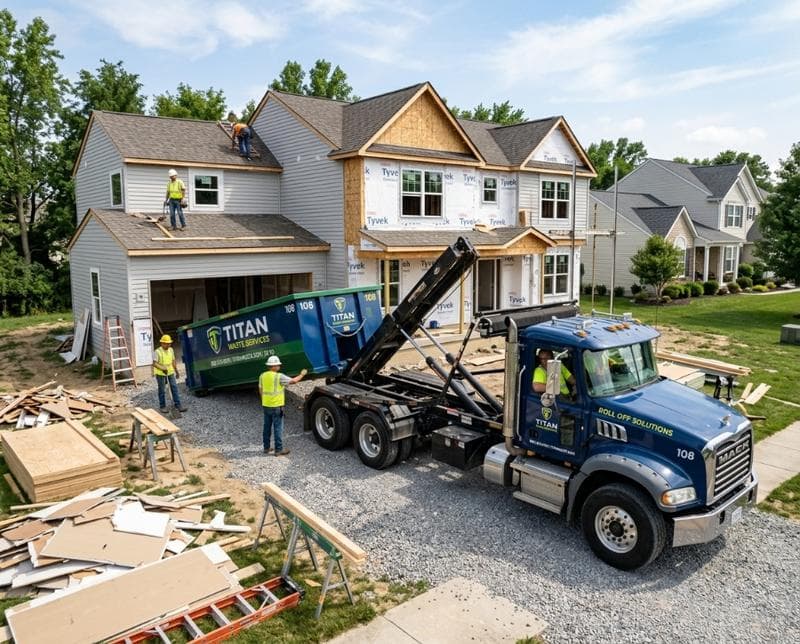
How a Driver App Transforms Waste Hauling Operations in 2026
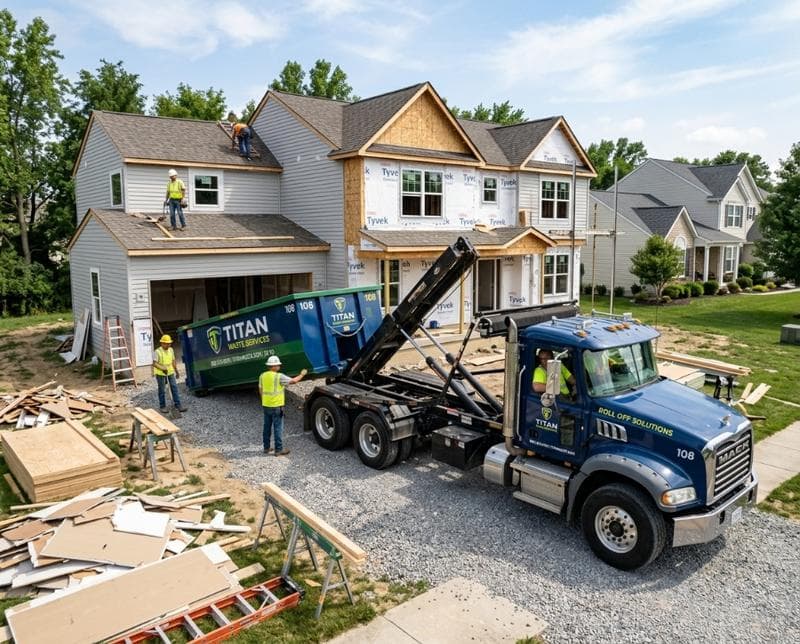
Why Waste Haulers Need a Mobile Driver App
Waste haulers face a unique operational challenge that generic routing apps simply don't solve: managing dozens of stops per day while capturing proof of service, handling weight overages, managing customer issues in real time, and staying in constant communication with the dispatch center. A driver sitting in a truck without immediate access to accurate job details, customer contact info, or a way to confirm service completion is operating blind. Every minute spent searching for information is a minute not spent generating revenue. When a customer has a billing dispute or a container is damaged, the driver needs tools at the point of service to document what actually happened—not rely on memory hours later.
The right driver app transforms the truck cab into a mobile operations hub. Drivers can see their full route with turn-by-turn navigation, access detailed stop information including customer notes and special instructions, snap photos of container conditions before and after pickup, record weight or volume data, collect electronic signatures, and update job status in real time. Dispatch sees every movement, customers get automatic SMS updates, and disputes dissolve because there's a documented record of exactly what occurred. The financial impact is direct: faster stop completion, fewer service failures, better customer retention, and reduced operational overhead.
Real-Time Stop Management and Route Optimization
When drivers work with outdated routes or incomplete stop information, delays cascade. A driver may arrive at a location only to discover the address is incorrect, the customer has moved the container, or there's no one available to approve payment. Traditional dispatch methods mean calling back to the office, waiting for clarification, and burning fuel and labor hours in the process. A modern driver app eliminates this friction by pushing complete, accurate job details directly to the driver's phone before they arrive—including GPS coordinates, special access instructions, billing arrangements, and any previous service notes.
Real-time optimization means dispatch can reroute drivers on the fly when a new high-priority job comes in or when traffic demands a change. The driver sees the updated route immediately, with estimated time of arrival recalculated for the new sequence. This capability directly improves customer satisfaction for urgent jobs while maintaining efficiency on the broader route. Drivers can also confirm arrival, start, and completion times with a single tap, giving dispatch an accurate picture of fleet performance and customer response times. This data feeds into better route planning for future days, creating a continuous improvement cycle that naturally reduces miles per stop and hours per route.
Proof of Service Through Photo and Documentation Capture
A driver's word is not a legal document. When a customer disputes whether a container was actually picked up, whether it was damaged before collection, or whether they authorized an oversize fee, a timestamped photo taken at the moment of service is evidence. Without built-in photo capture, haulers rely on drivers remembering to take pictures on personal phones—a practice that creates liability, inconsistent documentation, and security risks. A proper driver app makes photo capture part of the workflow, not an afterthought. Drivers can snap images of the container, the property, damage, or access issues directly within the app, with automatic GPS tagging and timestamps embedded.
Beyond photos, drivers need to document weight, dimensions, hazardous materials flags, customer authorization for additional fees, and any service exceptions. When all of this is captured in the driver app and synced to the office, billing becomes defensible, disputes are quickly resolved, and customer confidence increases. Drivers also benefit because they have a clear, objective record if a customer later questions service quality or claims something was handled improperly. The app becomes a protection for both the hauler and the driver, reducing friction and building accountability into every interaction.
SMS Status Updates and Real-Time Customer Communication
Customers waiting for a roll-off container delivery or wondering when their route pickup will occur don't want to call dispatch and speak to a human—they want an automated text message saying "Your pickup is scheduled for 2:30 PM" or "Driver is 10 minutes away." When a driver app integrates with SMS messaging, status updates flow automatically based on job stage changes. The moment a driver marks a stop as completed or en route, the customer receives a notification without any additional action from dispatch or the driver. This automation reduces customer service calls, improves perceived professionalism, and increases customer satisfaction measurably.
For haulers managing both scheduled pickups and same-day emergency services, this real-time communication capability is a competitive advantage. A contractor needing a debris container urgently can see exactly when the driver will arrive rather than receiving a vague estimate. This transparency reduces cancellations and no-shows because customers have confidence in the delivery window. Drivers also benefit from clearer customer expectations—when a customer knows a driver is 10 minutes away, they're typically standing by, ready to direct them to the right location or facilitate access, which means less time spent searching and fewer missed appointments.
Integration with Dispatch and Back-Office Operations
A driver app that doesn't connect to the broader operation is just a digital notepad. The real power emerges when the app syncs with your dispatch system, inventory management, invoicing, and customer database in real time. When a driver completes a stop and uploads photos and weight data, that information is instantly available to billing for accurate invoice generation. When dispatch reroutes a driver, fuel consumption is automatically optimized and estimated arrival times update across the board. When a driver documents a container maintenance issue, the maintenance team is alerted so the container is pulled from service before it's assigned to another customer.
This integration also means your team operates from a single source of truth. Dispatch doesn't have to guess whether a driver has completed a stop—they see it confirmed in real time. Billing doesn't have to contact drivers for clarification on what happened at a service location—the documentation is already in the system. This cohesion eliminates back-and-forth communication, reduces errors, and speeds up the entire operation. See how BinFleet connects driver apps with dispatch, billing, and inventory management to create a seamless workflow that your team will actually use.
Measurable Improvements in Fleet Performance
When you implement a driver app purpose-built for waste hauling, the metrics tell a clear story. Stops per hour increase because drivers spend less time searching for information or waiting for dispatch guidance. Service completion rates rise because drivers have accurate details and can resolve issues on the spot. Customer satisfaction improves due to real-time updates and documented proof of service. Vehicle downtime decreases because maintenance issues are flagged immediately and don't cascade into missed routes. Most importantly, revenue per truck increases even though operational costs remain flat or decline.
The performance gains compound over time as your team becomes more familiar with the app's capabilities and as you use the data to optimize processes. A hauler using a driver app typically sees 8-12% improvement in stops per route within the first 60 days, with customer satisfaction scores rising measurably. These gains are not theoretical—they come from reduced idle time, fewer failed pickups, faster billing resolution, and better route sequencing. If you're not capturing these improvements today, your operation is leaving revenue on the table that your competitors may already be capturing.
Frequently Asked Questions
Do driver apps work offline, or do drivers need constant cellular coverage?
The best driver apps are designed to work in both online and offline modes. When a driver is in an area with poor signal, the app caches the route and job details so they can still navigate and complete stops. Once connectivity is restored, all updates—photos, status changes, signatures—sync automatically to the server. This hybrid approach ensures your drivers aren't stranded without information and that every action is captured regardless of network conditions.
How secure is customer data and photo evidence stored in a driver app?
Enterprise-grade driver apps use end-to-end encryption, secure authentication, and role-based access controls to protect sensitive information. All data transmitted between the driver's phone and your servers is encrypted, and photos are stored in secure cloud infrastructure with automatic backups. You maintain control over who can view what information, and audit trails track every access. This level of security is not optional in 2026—it's a baseline expectation.
Can I see which driver app features will actually impact my bottom line the most?
The features with the highest ROI are real-time route optimization, photo documentation, and automated customer SMS updates. These three capabilities directly reduce operational costs while improving customer satisfaction and reducing billing disputes. Start by measuring your current performance on stops per hour, customer satisfaction scores, and service exception rates. After implementation, these metrics become your ROI tracker. Many haulers also find that faster, more transparent service quality allows them to command higher rates or win new contracts from customers who previously worked with less reliable providers.
What happens to driver data if a driver leaves the company?
A well-designed driver app separates the driver's login access from the data they created. When a driver's account is deactivated, all their stop records, photos, and work history remain in your system for compliance, auditing, and historical reference. The driver loses access to the app, but the evidence trail they created stays with your company. This distinction is critical for liability management and operational continuity.
Getting Started With a Driver App That Works
Choosing a driver app isn't about picking the most feature-rich option—it's about finding one built specifically for the waste hauling workflow. Generic route apps don't understand why you need to document container conditions, integrate with scale tickets, or manage equipment accountability. A purpose-built solution like BinFleet integrates the driver app with your entire operation, from dispatch through invoicing to customer communication. Your drivers get tools that make their jobs easier and faster, dispatch gains real-time visibility, and customers experience better service with fewer surprises.
The best way to see if a driver app will work for your operation is to try it. Request a demo of BinFleet's driver app to see how it handles your typical day of stops, how photos and documentation flow into your back office, and how automation reduces repetitive tasks. You'll quickly understand whether this level of operational visibility and efficiency is what your fleet needs to stay competitive. For more insights on optimizing waste hauling operations, visit our operations blog or explore how BinFleet helps thousands of haulers nationwide.
Ready to Streamline Your Operation?
See how BinFleet AI helps waste haulers save time, cut costs, and grow.
Request a Free 30-Day TrialRelated Articles
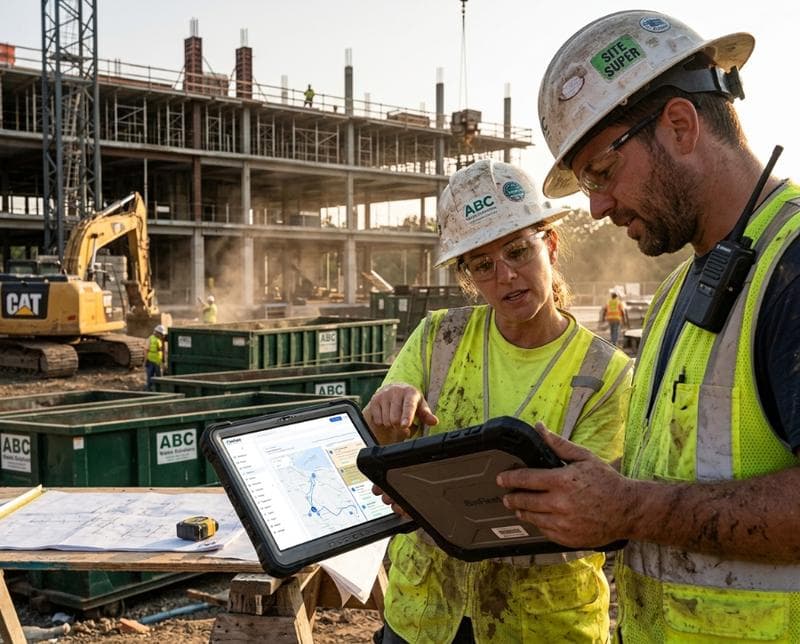
How a Driver App Transforms Waste Hauling Operations
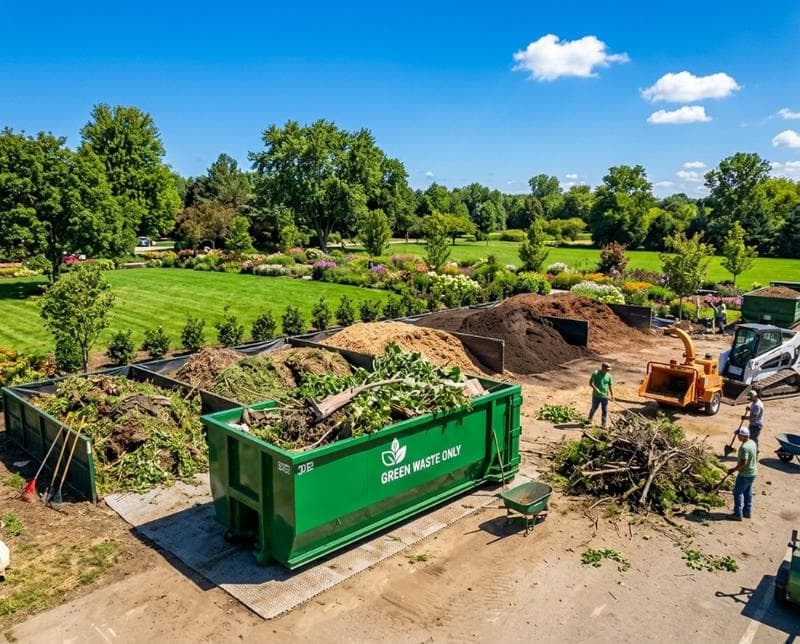
How a Mobile Driver App Transforms Waste Hauling Operations