How Dumpster Dispatch Software Eliminates Manual Scheduling and Cuts Operational Errors
The Hidden Cost of Manual Dumpster Dispatch
Most waste haulers still manage routes through spreadsheets, phone calls, and text messages. A dispatcher prints a route sheet, hands it to a driver, and hopes nothing changes during the day. When a customer calls with an urgent pickup, the dispatcher must manually rewrite the route, text updates to multiple drivers, and risk leaving someone confused about their actual stops. This friction creates the conditions for the most expensive operational mistakes: missed pickups that damage customer relationships, duplicate trips that waste fuel, and driver frustration that leads to turnover.
The real problem isn't that manual dispatch is simple—it's that it only appears simple until something goes wrong. A single missed pickup can cost a waste company hundreds dollars in customer credits, emergency fees, and time spent damage-controlling an angry customer. Scale that across a fleet of twenty or fifty trucks over a year, and the cumulative cost of manual errors can easily exceed six figures. Beyond money, manual dispatch creates liability: without digital proof of stop completion, dispatch logs, and GPS timestamps, your company lacks evidence in disputes and regulatory audits.
How Dispatch Software Replaces Spreadsheet Chaos
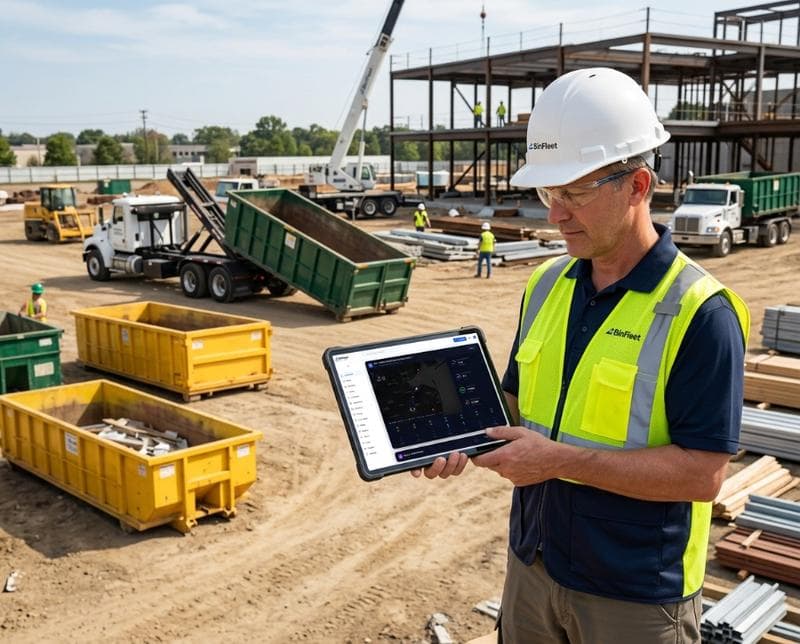
Dumpster dispatch software automates the entire workflow from order intake to completion confirmation. When a customer books a pickup online or calls, the system immediately loads the request into the dispatcher's real-time queue. The dispatcher or the software's algorithm can assign jobs based on geography, vehicle capacity, and driver availability—eliminating the guesswork and manual matching. Every driver sees their route on a mobile app, knows the exact sequence of stops, and can mark jobs complete with a photo and timestamp right from the field. No more confusion, no more phone tag, no more wondering if a stop actually happened.
The automation extends to customer communication. When a job is assigned, the system can automatically send SMS notifications to the customer with pickup windows or arrival estimates. As the driver approaches a location, another message goes out. When the pickup completes, the customer receives confirmation instantly. This eliminates the back-and-forth phone calls that consume dispatcher time and frustrate customers waiting for updates. The entire handoff—from booking to completion to invoice—now happens in a connected system where every piece of data is recorded and verifiable.
Reducing Errors Through Real-Time Visibility
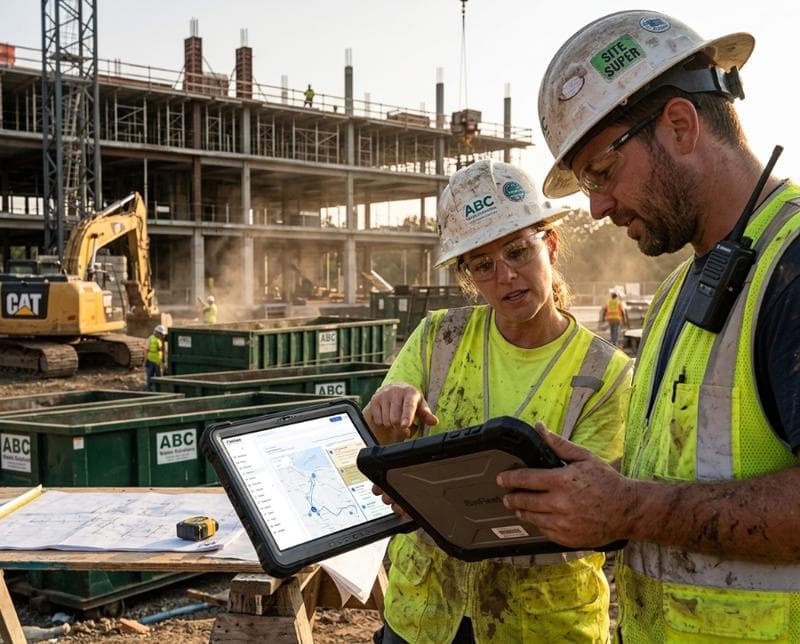
Real-time GPS tracking shows exactly where each driver is and whether they're on schedule. If a truck is running behind, the dispatcher can see it immediately and notify affected customers before they start calling. If a driver skips a stop by accident or forgets a location, the system flags it right away rather than discovering the miss hours later during billing reconciliation. This visibility also creates accountability: drivers know their route and completion status are tracked, which naturally encourages adherence to the schedule and professional behavior. Over time, this reduces the number of incomplete routes and missed jobs that manual systems never catch until it's too late.
Digital proof of completion transforms how you handle disputes and audits. Every stop includes GPS location, timestamp, driver identification, and often a photo. If a customer claims they never received a pickup, you have timestamped evidence. If a regulator asks whether you serviced a site on a specific date, you can pull the data instantly. This documentation also protects drivers by proving they completed their assigned work, which matters in wage disputes or performance reviews. Manual systems create ambiguity; dispatch software creates accountability and transparency on both sides.
Optimizing Routes to Save Time and Fuel
Many waste haulers still build routes by feel or habit rather than data. A driver might service the same fifteen stops in the same order every day, even if geography suggests a more efficient sequence. Dispatch software can analyze all pending jobs, group them by location, and suggest optimal sequences that reduce drive time and fuel burn. Some platforms go further and use machine learning to identify patterns in demand, predict peak pickup days, and pre-stage routes before orders arrive. This isn't just efficiency theater—shaving thirty minutes of drive time per truck per day adds up to hundreds of gallons of fuel saved annually and more capacity to handle growth without hiring new drivers.
Route optimization also reduces driver fatigue and improves safety. A driver who spends fewer hours behind the wheel makes fewer risky turns and completes the day less exhausted. Overtime costs drop because routes fit into standard shifts instead of running long. And because the software can balance workload across your fleet, no single driver bears all the difficult jobs or long drives. The result is higher quality service, safer operations, and drivers who feel their company values their time and wellbeing.
Connecting Dispatch to Billing and Customer Accountability
Manual dispatch exists in isolation from billing. A dispatcher completes a route sheet, hands it to accounting, and accounting must manually match jobs to customer accounts and invoices—a process prone to billing delays and errors. Dispatch software feeds directly into invoicing systems, so when a job completes, it's automatically ready to bill. The customer can see exactly what they were charged for because the invoice links to the GPS location and timestamp of the pickup. This reduces billing disputes and accelerates cash flow because invoices go out the same day work is done, not a week later after manual reconciliation.
Customers also benefit from transparency. They can log into a portal and see the history of their pickups, confirming exactly when and where service occurred. This level of detail is becoming table-stakes for professional customers like construction firms and facilities managers who need proof of waste removal for their own compliance. By offering this visibility through dispatch software, you differentiate from competitors still relying on phone calls and paper receipts. You become the company that customers trust because they can verify every detail themselves.
Getting Started with Modern Dispatch
Switching from manual dispatch to software feels risky because your current process, however chaotic, is familiar. The best way to evaluate whether dispatch software fits your operation is to request a demo of a real platform and walk through your actual workflow. Watch how orders flow in, how the system handles rush jobs and changes, and how drivers interact with the app. Ask whether the platform integrates with your existing accounting software or customer database. The right dispatch tool should feel like an extension of how you already work, not a radical overhaul.
Start small if you're hesitant. Many waste companies pilot dispatch software with one yard or one vehicle type before rolling it out fleet-wide. This gives your team time to learn the tool, build confidence, and see real results before committing fully. Within weeks, you'll see fewer missed pickups, faster billing, and drivers who spend less time on the phone asking for clarification. Within months, you'll have data showing fuel savings, improved on-time performance, and higher customer satisfaction. Those metrics don't lie—and they're the reason thousands of waste haulers have already made the switch. For more insights on operations technology, check out our operations blog for articles on route optimization and fleet management.
FAQ: Dumpster Dispatch Software Questions
Will dispatch software replace my dispatcher?
No. Dispatch software makes your dispatcher more effective by handling data entry, route sequencing, and customer notifications automatically. Your dispatcher can then focus on problem-solving—handling rush jobs, managing customer issues, and optimizing resource allocation. Many companies find they need fewer dispatchers after switching to software, but the dispatcher role becomes more strategic and less clerical.
How long does it take drivers to learn a new dispatch app?
Most drivers are productive on a dispatch app within a few days. The interface is designed to be simple: see your stops, navigate to the next one, mark it complete. Many waste haulers find that experienced drivers pick it up in a single shift, while newer drivers might need a week of support. The payoff is immediate—no more misheard phone calls or forgotten stops.
What if we lose internet connection in the field?
Professional dispatch software works offline and syncs when connectivity returns. A driver can complete stops, take photos, and mark jobs finished without signal. Once the truck is back in range or at the yard, the app automatically uploads all the data. This design ensures that poor cell coverage never disrupts your operation.
Can dispatch software handle multi-yard operations?
Yes. Modern platforms are built for multi-location waste companies. Each yard can have its own inventory, drivers, and customer base, while the central office maintains visibility across all operations. This is essential for regional haulers or companies managing roll-off containers, compactors, and recycling bins across multiple locations.
Ready to Streamline Your Operation?
See how BinFleet AI helps waste haulers save time, cut costs, and grow.
Request a Free 30-Day TrialRelated Articles
The Technology Trends Reshaping Waste Hauling Operations in 2025 and Beyond
How Waste Haulers Cut Fuel Costs by 15-25%: Real Strategies That Work